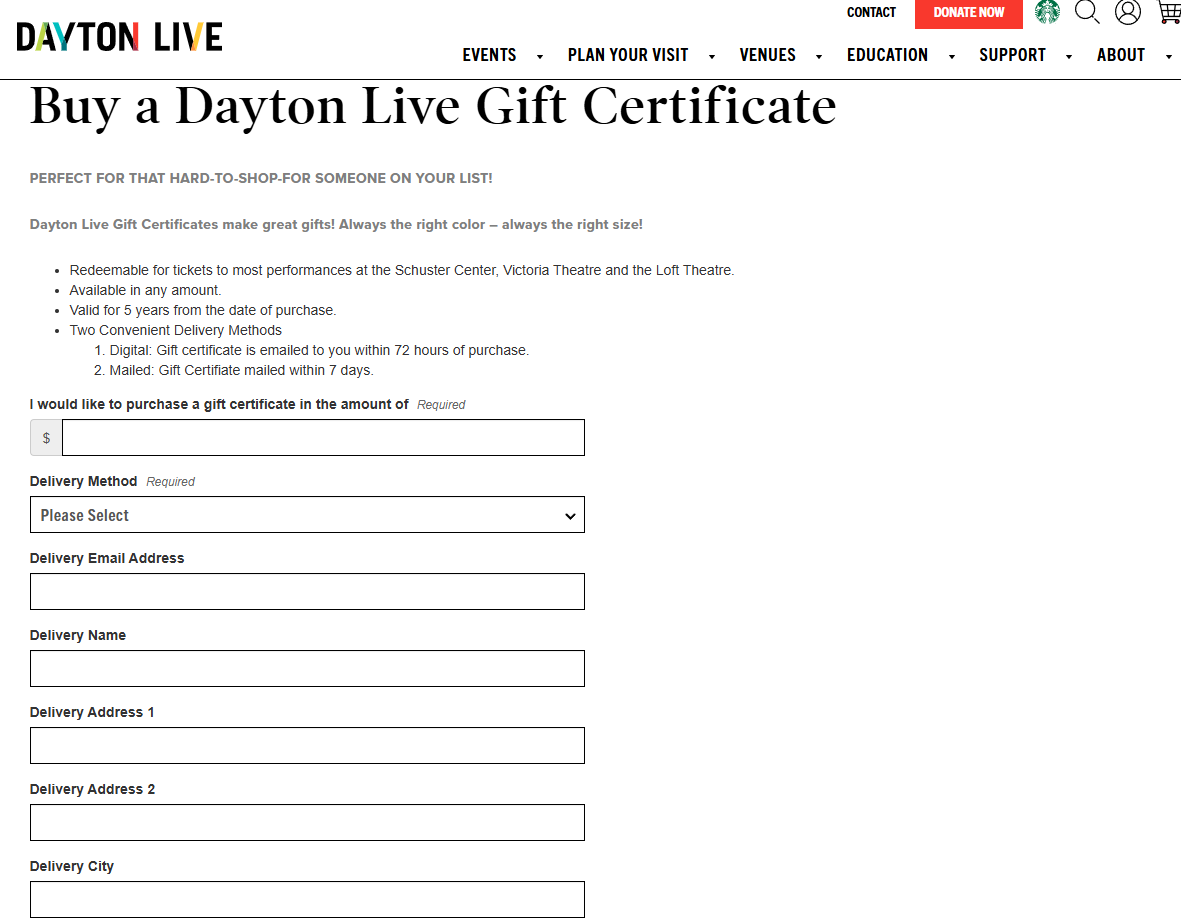
- Good as cash for anything Dayton Live tickets
- Valid for 5 years from date of purchase
- Can be used by anyone with the Voucher ID
¶ How to Enter a Gift Certificate Order
When placing a Gift Certificate order for a patron by phone or in person
- Open or create an account for them as normal
- go strait to the moneybags to open the payment window
- select “Gift Certificate” for payment method
- since the order is empty it should default to “purchase”
- enter the amount they want the gift certificate to be for in the “Gift Cert Amt*” field
- the amount field will be grayed out but the system will change it to the value you just entered in parenthesis indicating a negative balance
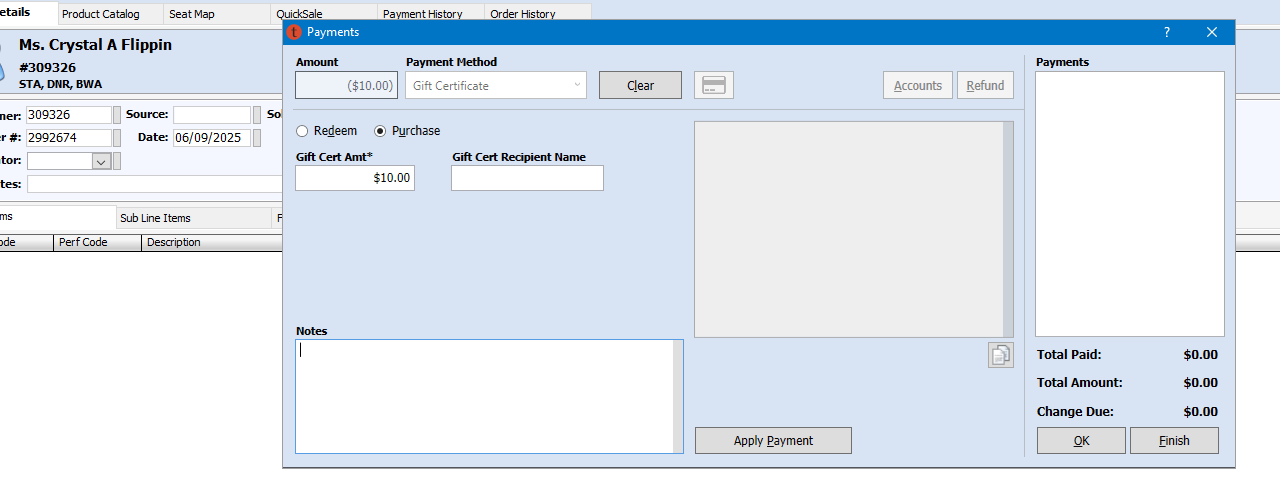
7.click apply payment
8.the order will now show the balance due and can be paid for as normal
9.create a CSI for the order
¶ Create a Gift Certificate CSI
- go to their account (ctrl + G)
- open Engagement → Customer Service → Add New Issue
- set the appropriate contact method and for Issue Type set it to “Gift Certificate Order”
- be sure to include the following information in the notes field
- Delivery Method: Email or Postal Mail
- Recipient Address: Email Address or Postal Address they want the gift certificate sent to
- The name of the person at the above address: either the purchaser or the recipient if we are sending it directly
- The order number for the order
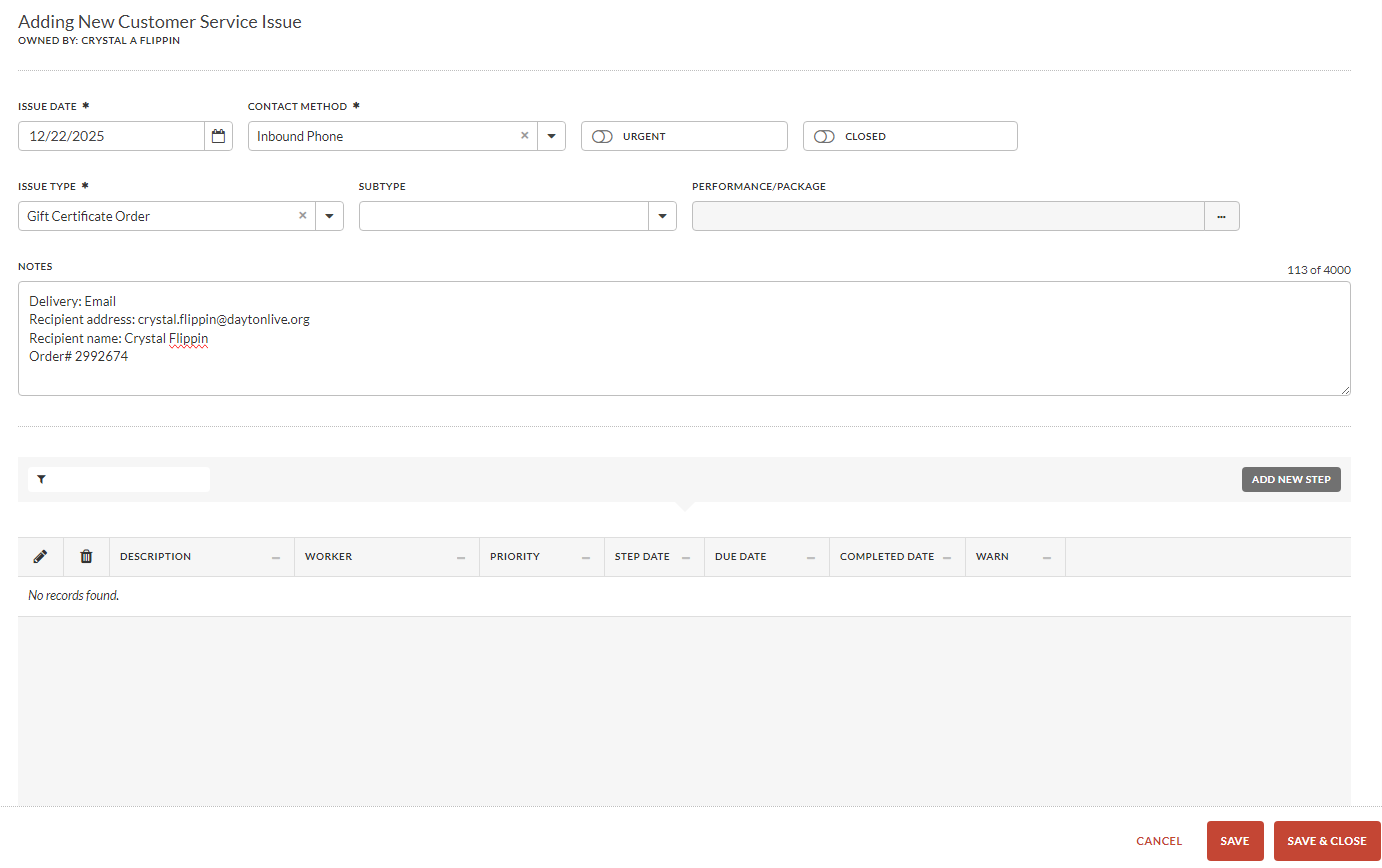
5. save & close
6. Follow delivery instructions for Phone Orders or In Person Orders below
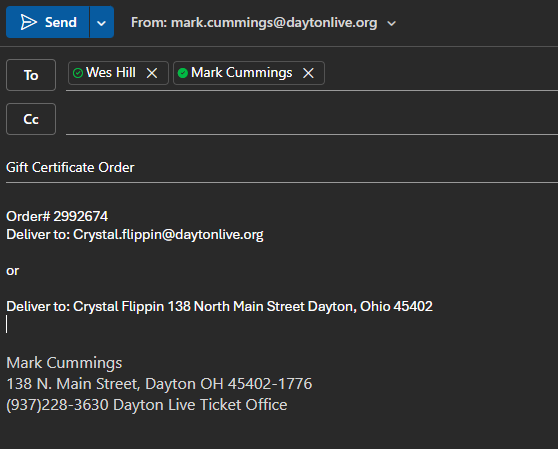
¶ Phone Order Delivery
send an email to Wes, Mark or other appropriate senior agent to process the order
¶ In Person Order Delivery
If you sell a gift certificate in the box office
- get a gift certificate and envelope out of the drawer
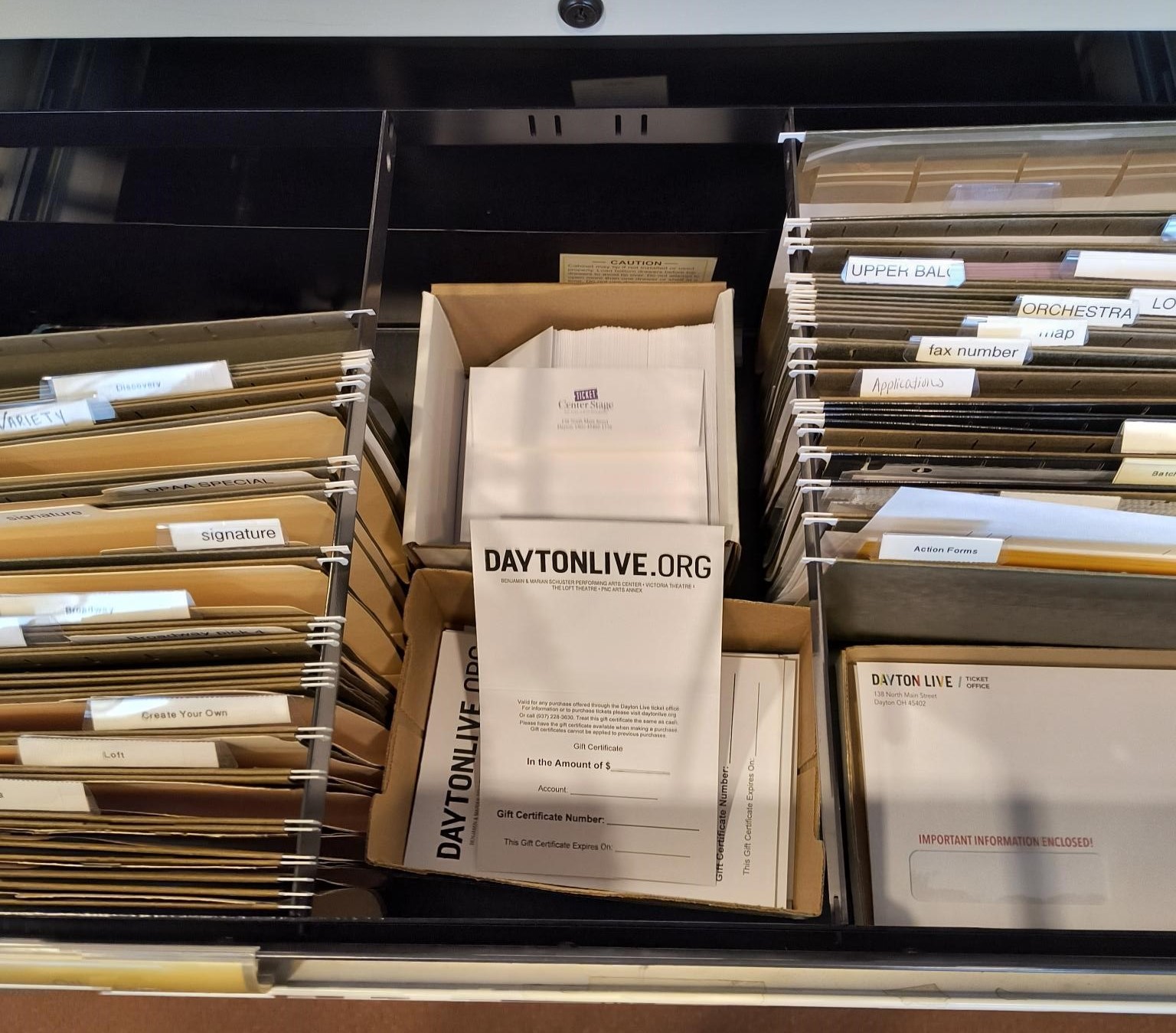
- write in the information by hand (most can be found in payment history tab)
- printed receipt does also have the voucher ID on it
- close the CSI
(if they would rather have it emailed or mailed follow phone order directions)
¶ Where to Order Gift Certificates Online
If a patron would rather order through the website they can follow the steps below
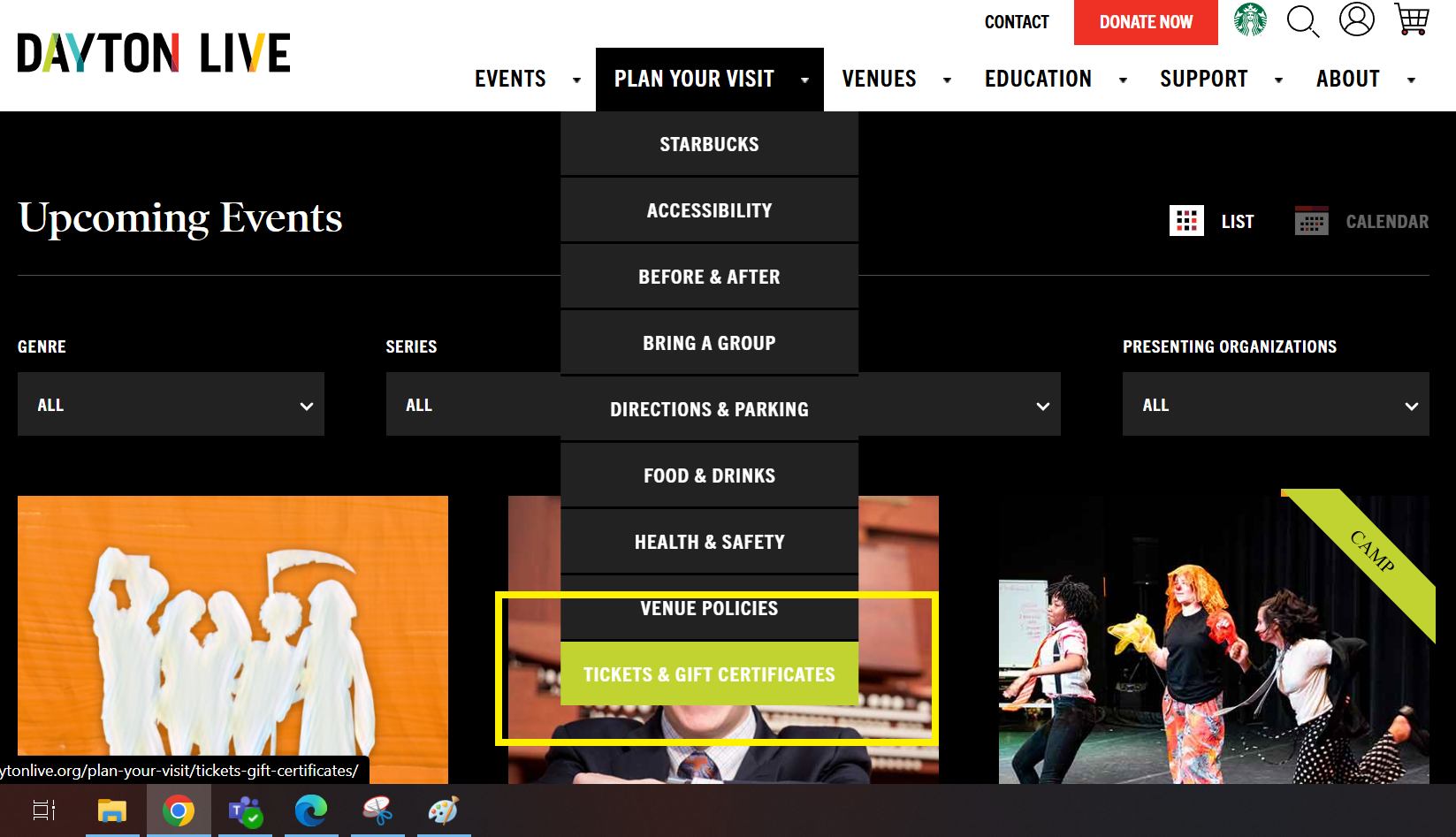
- Mouse over the “Plan Your Visit” drop down and click on “Tickets and Gift Certificates”
- The second section has a link to purchase a gift certificate
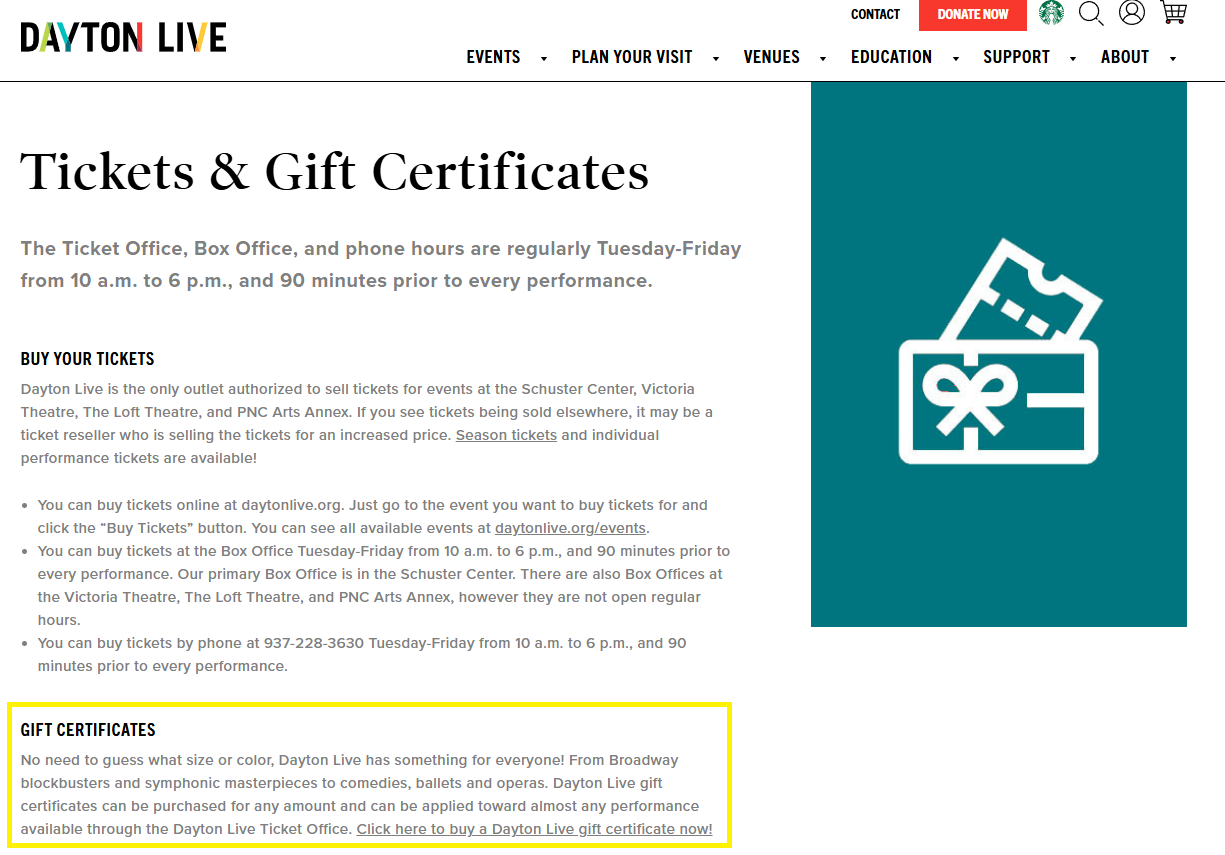
- all the delivery information relates to the recipient but they can put in their own information if they want us to send it to them